

SEO, Ads or Website Design: Why You Are Not Generating Leads and What to Fix First
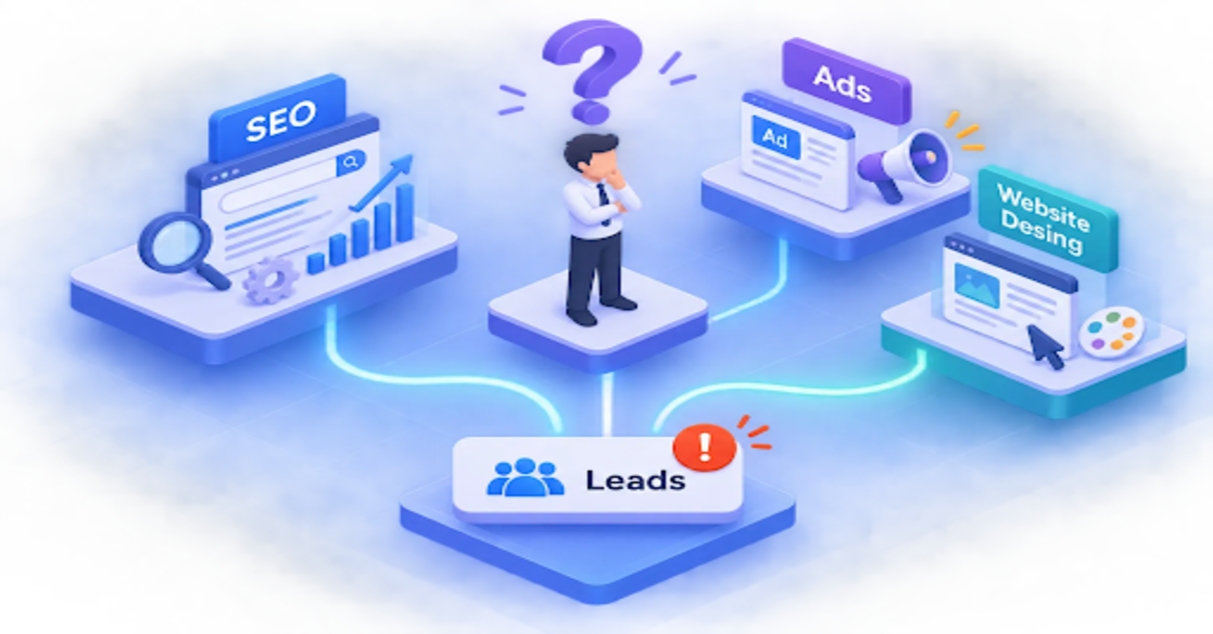
A website usually stops generating leads for one of four reasons: it attracts the wrong visitors, makes a weak offer, creates friction or fails to build trust. You find out which by reading your traffic, conversion and enquiry data rather than guessing or redesigning, and then you fix the biggest leak first.
The Pink Panda is a full-service digital marketing agency in Gurgaon. We work with startups, SMEs and enterprises on SEO, Google Ads, Meta Ads and website design.
This article covers the four common causes, how to diagnose them with Google Search Console (GSC) and GA4, which fixes to prioritise and how to tell whether they worked. Check your tracking before anything else, then work through the causes in that order.
Key takeaways
- Four common causes: wrong visitors, an unclear offer, friction and low trust are the usual suspects when a site produces few enquiries.
- Diagnose first: GSC shows how your Google Search impressions, clicks and rankings are changing; GA4 and your lead records show whether visitors convert and how good those leads are.
- Tracking comes first: a broken form or event can make a healthy site look dead.
- One change at a time: you can’t learn from a test if five things moved at once.
- Count real leads: confirmed enquiries matter more than clicks or form starts.
Why isn’t your website getting leads even when it looks good?
A good-looking site can still fail on one of four fronts. Use these as a mental model before you open any dashboard.
You’re attracting the wrong visitors
Broad keywords, loose ad targeting and visitors outside your service area bring researchers, not buyers. Traffic grows while enquiries stay flat. A plumbing-services page that ranks for “how to fix a leaking tap” will draw plenty of readers and almost no customers.
Your offer isn’t compelling or clear
Visitors should know within seconds what you offer, who it’s for and what result to expect. If that isn’t obvious, many will leave without enquiring.
Your site creates friction
Hidden contact details, long forms, slow pages, cramped mobile layouts and forms that throw errors all stop people who wanted to enquire.
Visitors don’t trust you yet
Proof often sits on a separate testimonials page, far from the call to action. A site may have more than one of these problems, so diagnosis comes before fixes.
How do you tell if it’s a traffic problem or a conversion problem?
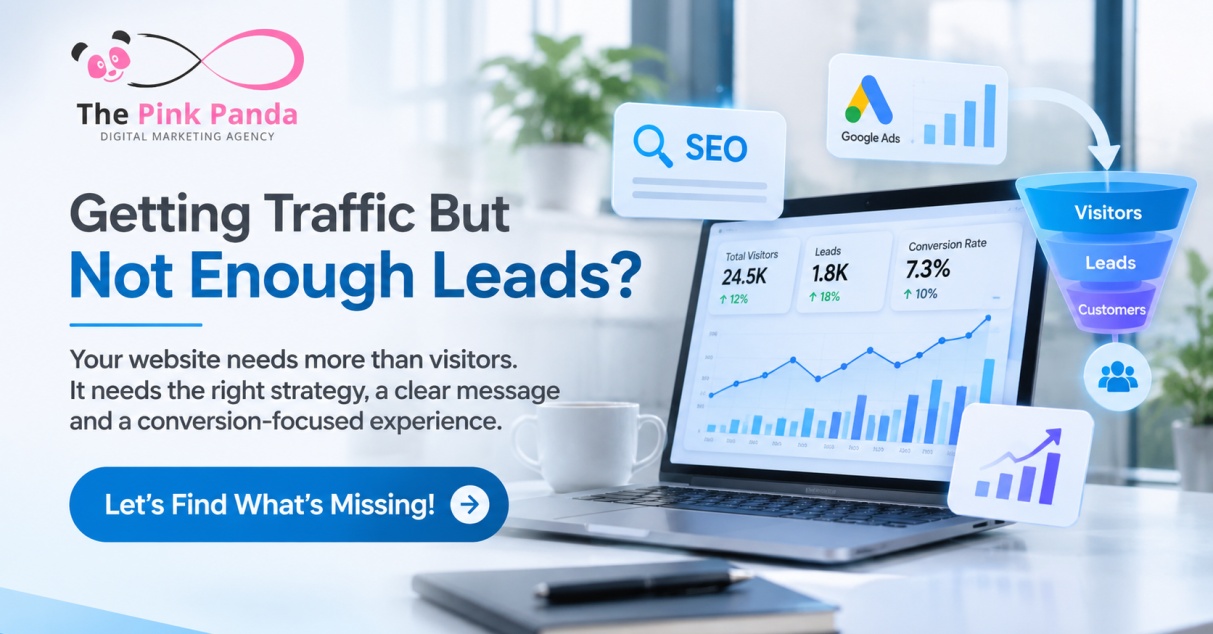
Compare Search Console and GA4 over equal periods. If traffic fell while the conversion rate held, it’s likely a traffic problem. If traffic held while conversions fell, it’s likely a conversion problem.
Set up a clean baseline first
Confirm GA4 tracks the actions that matter (confirmed form submissions, calls, bookings) as key events. Compare equal periods, such as the last 28 days against the previous 28. GSC clicks and GA4 sessions measure different things, so the totals won’t match. For a fair comparison, set GSC clicks against GA4 Google organic sessions for the same dates.
What Google Search Console tells you?
GSC reports impressions, clicks, CTR and average position by page and query for Google Search. That’s what happens before the visit. It can’t tell you how good those visits were; for that you need GA4 and your lead records.
| GSC pattern | Possible issue |
| Impressions and clicks both fall | Lower demand, lost rankings, indexing or technical issue |
| Impressions stable, CTR falls | Weak title, snippet or relevance |
| Impressions rise, clicks flat | Listings aren’t compelling, or rankings are still too low |
| Clicks stable, GA4 sessions fall | Possible tracking, redirect or consent problem |
| Mobile drops disproportionately | Investigate first; mobile usability, speed or layout are common causes |
What GA4 tells you?
Use Traffic acquisition to see which channels lost users, the Landing page report to find pages that attract visitors without producing key events, and Funnel exploration to see where people drop out. Calculate conversion rate as sessions with a key event divided by sessions, using the same denominator every time.
Reading the verdict
Traffic down with a stable conversion rate points to visibility or targeting. Traffic stable with conversions down points to the offer, page, form or tracking. If both are down, fix both, starting with tracking. If GSC clicks are stable but GA4 Google organic sessions drop sharply over the same dates, a measurement problem is a likely explanation, though it isn’t proven. Check consent settings, redirects, attribution and recent site changes before touching SEO.
What should you check first when visitors arrive but don’t enquire?
Check the headline, then the call to action, the form, mobile performance and proof, roughly in order of effort against impact.
Is your headline doing its job?
Name the audience and the outcome. Rewrite company-centred claims into customer benefits: “We provide innovative digital solutions” becomes “Launch a faster, clearer website that turns more qualified visitors into enquiries.”
Is there one obvious next step?
Give each page one primary call to action and repeat it at natural decision points. Replace “Submit” with specific copy like “Book a 20-minute consultation”. Add microcopy such as response time or “no obligation” only if you can keep the promise.
Is your form asking for too much?
Keep to a name, a contact method and one qualifying question, then explain what happens next and show clear error messages. Many form starts but few submissions points to excess fields, confusing validation or a technical failure.
Do mobile and speed work against you?
Slower pages are associated with more visitors leaving: according to reform.app, Google research links a rise in load time from one to three seconds with a 32% increase in bounce probability. Treat that as a guide to direction, not a guaranteed outcome, and check your own bounce and conversion data by device. Test every form on real phones and confirm submissions reach your inbox or CRM.
Where is the proof?
Place testimonials, case studies, reviews and client logos beside the call to action, not only on an About page.
How do you fix low-quality traffic from SEO and paid campaigns?
Aim your campaigns at buying intent, send each one to a matching page, and let the page screen out poor fits.
Target buying intent instead of curiosity
Shift SEO and ad focus to commercial-intent terms. Add negative keywords in Google Ads, and tighten geographic and audience targeting in both Google Ads and Meta Ads.
Match every campaign to a purpose-built landing page
Send each ad group or keyword cluster to a page whose headline, terminology and offer match the click. A generic homepage forces visitors to hunt for what they were promised.
Use the page to filter as well as attract
State who the service suits, where you work and the typical project scope. This can reduce irrelevant enquiries and improve lead quality, but track the share of qualified enquiries before and after to confirm it.
Where an agency helps
Our Gurgaon team handles website design, SEO, Google Ads and Meta Ads. Judge any agency, us included, on reporting that goes beyond clicks, such as qualified enquiries and closed sales.
Which fixes should you prioritise first, and how do you measure them?
Fix tracking first, then the highest-friction issue, and measure by confirmed enquiries.
A simple order of attack
- Verify tracking, and check that form notifications and calls actually arrive.
- Compare conversion rates by source, device and landing page.
- Find where visitors drop off.
- Fix the highest-friction issue: message clarity, call to action, trust, form length or speed.
- Tighten follow-up speed and ownership of each lead.
| What you see | What to fix first |
| Lots of traffic, almost no enquiries | Message, call to action, trust, form friction, speed |
| Enquiries, but few become customers | Lead quality, qualification, pricing, follow-up |
| Traffic falling | Tracking, then rankings, indexing and targeting |
| Mobile converts far below desktop | Mobile layout, speed, form errors |
Test one change at a time
Change the headline, call to action text, form length or proof placement, but only one per test. Otherwise you won’t know what moved the number.
Before you change anything, record a baseline: enquiries, conversion rate and lead quality over the last 28 days or more. Then run the change for a fixed period, ideally a few weeks, and compare it with the same length of time before. If you get only a handful of enquiries a month, a short test will be mostly noise, so run it longer and judge by direction rather than small swings. A proper A/B test splits visitors between two versions at the same time and is far more reliable. A before-and-after comparison is easier to run but can be skewed by seasonality, campaign changes or a different traffic mix, so treat its result as an indication, not proof.
Count genuine leads, not clicks
Fire conversion events only after a confirmed submission or booking. Use call tracking with dynamic numbers, and log source, UTM and landing page in a CRM. Treat form starts and phone taps as secondary diagnostics, and judge success by qualified enquiries and, ideally, closed sales.
Fix the biggest leak first, then measure again
Wrong visitors, a weak offer, friction and low trust are common reasons a website fails to produce enquiries, and your data shows which one is yours. Use GSC to see how Google Search impressions and clicks are changing. Use GA4 and your lead records to see whether those visitors engage, convert and turn into qualified enquiries.
This week, check that your tracking and form notifications work, pull a 28-day comparison, pick one fix and test it. If you’d like a second pair of eyes, get in touch with The Pink Panda team in Gurgaon.
Frequently Asked Questions
1, Why do Search Console clicks and GA4 sessions not match?
Search Console clicks and GA4 sessions measure different things, so their totals will not match. For a fair comparison, you can compare GSC clicks with GA4 Google organic sessions for the same dates.
2, What should you do if your form gets starts but few submissions?
You should check for excess fields, confusing validation or a technical failure. Keep the form to a name, a contact method and one qualifying question, and show clear error messages.
3, How can you tell whether your enquiries are improving in quality?
You can track the share of qualified enquiries before and after a change to see whether lead quality improves. You can also judge success by closed sales, rather than clicks or form starts alone.
4, How long should you run a website change before judging the result?
You should run a change for a fixed period, ideally a few weeks, and compare it with the same length of time before the change. If you receive only a handful of enquiries a month, run the test longer and judge the direction rather than small swings.
#WebsiteLeadGeneration #DigitalMarketing #SEO #GoogleAds #MetaAds #WebsiteDesign #LeadGeneration #ConversionOptimization #DigitalMarketingAgency #OnlineGrowth #BusinessGrowth #QualifiedLeads #WebsiteOptimization #ThePinkPanda #GurgaonMarketingAgency