


Your Business Is on Google, But Is It Getting Noticed?
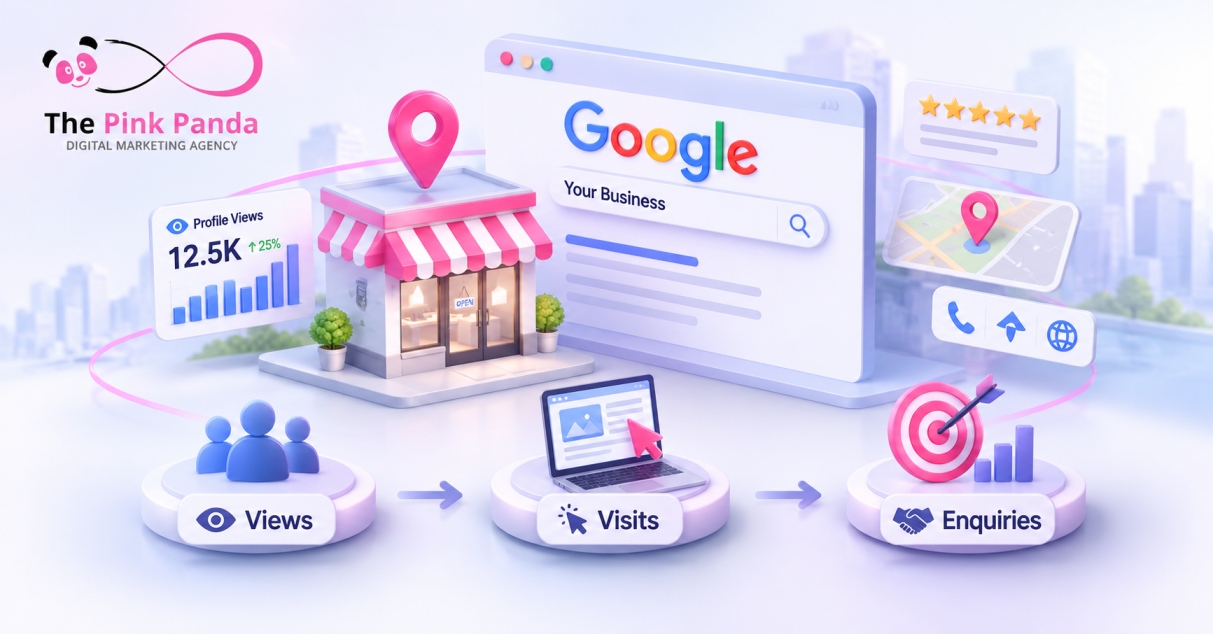
Is your business getting noticed on Google? That depends on three numbers: views (people see your listing), visits (website clicks, calls and direction requests) and enquiries (leads you can trace back to Google). Views show you’re being seen, and visits and enquiries show whether being seen is working. Appearing in results without those is just being listed.
To check, search as a customer would, signed out and with non-branded terms. Then read the Performance tab in your Google Business Profile and compare those numbers with the enquiries you actually received.
Local search visibility can differ by location. A customer in Sector 29 and one in Dwarka can see different results for the same search, so “I checked and I’m showing up” may only mean you showed up for you.
We’re The Pink Panda, a digital marketing agency based in Gurgaon. This article is a suggested checklist for checking your Google visibility, written so you can run it yourself this week.
Key takeaways
- Test like a customer: Search signed out, using service and locality terms rather than your business name.
- Read two data sources: Your Business Profile Performance tab covers discovery and interaction, and Search Console covers your website.
- Check against reality: Compare Google’s numbers with the calls, WhatsApp messages and leads you logged.
- Read mismatches as clues: Low views may point to ranking, low actions may point to the profile, and low enquiries may point to how you handle them. Seasonality, demand and tracking limits can also move the numbers.
- Measure paid separately: Judge ads on cost per enquiry, not clicks.
How do you check if your business is actually showing up on Google?
Search for your business the way a customer would, in a private browsing window, on both Google Search and Google Maps. Then repeat with the phrases customers use when they don’t know your name. Here is what to do first.
Run the signed-out search test
Open a private window and search your exact business name plus city, then your main service plus city. Open Google Maps, still signed out, and repeat both searches. Note whether your profile appears, roughly where it ranks, and whether your website shows up too.
Signed-in owners can see their own profile even when it isn’t publicly visible, so the signed-out view is a closer approximation of what a customer sees. It isn’t definitive: location, device, search history and the exact query can still change results. A profile must be verified to appear on Search and Maps, but verification doesn’t guarantee a prominent position for every search.
Test the searches customers actually use
Now try phrases such as “[service] near me” or “[service] Gurgaon”. Repeat them from different localities, for example Golf Course Road, Sohna Road, Noida or Dwarka, because results shift with the searcher’s location. Keep a simple log with the date, search term, location and position.
If you appear for your exact name but not for service searches, your profile is visible but ranks weakly. If you don’t appear on either, sign in to the managing account and check for verification, suspension or profile-quality issues.
Check your website separately
Searching on Google can show some of your indexed pages, but it isn’t a complete
indexing report. For a more reliable check, open Google Search Console and use its indexing reports and URL Inspection tool. Search Console also shows which searches bring impressions and clicks to your website.
Which Google Business Profile numbers show whether customers are responding?
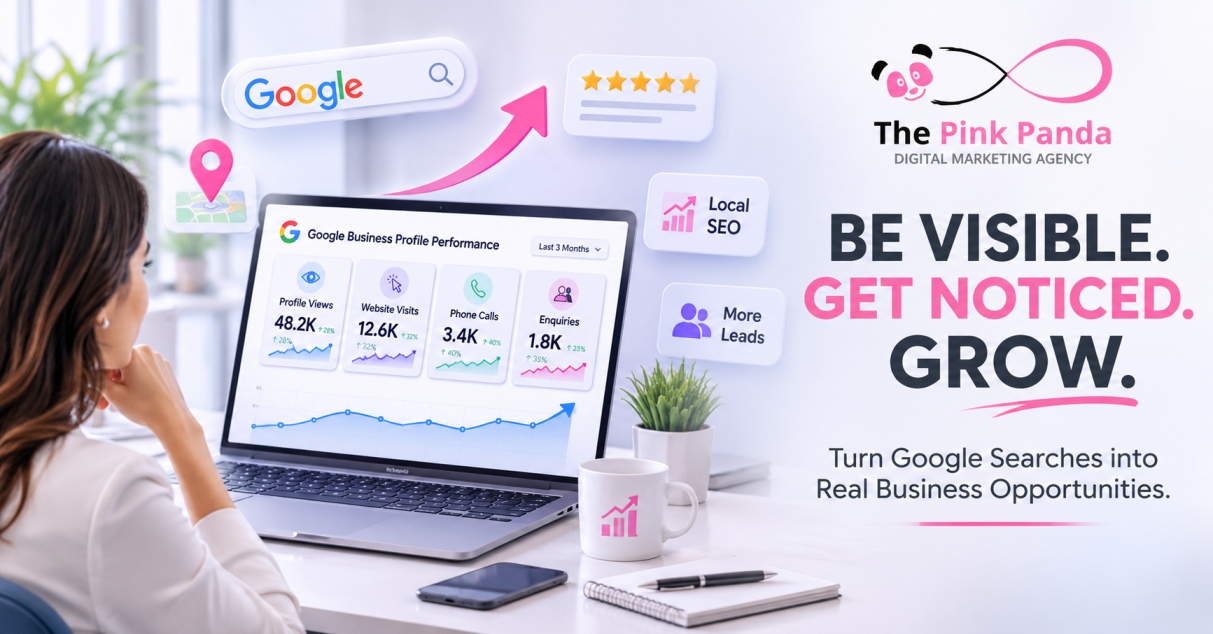
Open Performance in your Business Profile and choose a date range. The numbers fall into two groups: discovery (how people find you) and interaction (what they do next). Google’s Business Profile Performance documentation lists the current definitions, and the metrics available vary by business, so check what your own profile shows.
Discovery metrics versus interaction metrics
Discovery covers the search terms people used and the views your profile got on Google Search and Maps. Interaction covers actions such as calls, bookings, website clicks, direction requests, and menu or product clicks, depending on your business type. Messaging is no longer a reliable metric, since Google discontinued Business Profile chat in 2024.
Discovery tells you whether you’re being seen. Interaction tells you whether being seen is working. Keep in mind that a tracked call or click isn’t necessarily a completed enquiry.
Build a simple monthly scorecard
Record these five numbers every month in a spreadsheet:
- Profile views
- Top search terms
- Calls
- Website clicks
- Direction requests
Then add a sixth column: the enquiries you logged in your phone, WhatsApp or CRM. To attribute them, ask every new customer how they found you and note “Google” when they say so. Treat the first month as your baseline and compare each later month against it.
Here is a worked example with illustrative numbers only. Suppose your baseline month shows 1,200 profile views, 60 calls, 40 website clicks, 25 direction requests and 12 logged enquiries. Next month, views rise to 1,500 while calls, clicks and directions stay flat at 125 combined. You were seen more, but people didn’t act more, so look at the profile itself before blaming ranking. Google’s numbers are only useful once you’ve checked them against what actually landed in your inbox.
What a mismatch might tell you?
These are hypotheses to test, not certain diagnoses. Seasonality, demand, search intent and tracking limits can all affect the numbers.
High views but few actions may mean the profile is visible but not persuasive. Look at weak photos, the wrong category, poor reviews and missing services.
Good actions but few enquiries may point past Google. Check how quickly calls are answered, how fast you reply on WhatsApp, and whether your landing page does its job.
Low views may mean a ranking or relevance problem. Check your categories and the main search terms on your profile first, then read the next section.
What decides your local ranking in Gurgaon and Delhi NCR?
According to Google’s “Tips to improve your local ranking on Google”, local rankings are driven primarily by relevance, distance and prominence. Google combines the three to find the best local match, so a farther business can outrank a nearer one if it’s more relevant to the search.
Relevance, distance and prominence in plain English
Relevance is how closely your profile and website match the search: your categories, services and description. Distance is how close you are to the searcher or the location in the query. You can’t optimise it, so if you’re in a dense area like Golf Course Road with many competitors, set your expectations accordingly.
Prominence is how well known and trusted you appear, through reviews, links, mentions and citations. There is no fixed weighting, so results vary by query and location.
Picking search terms that match real intent
Move beyond your business name. Think service plus locality, “near me” phrases, and the words your customers really type, including Hindi-English mixed searches where relevant. Your Search Console queries and the search terms in your Business Profile will show gaps between what you offer and what you appear for.
Local SEO basics that support the profile
Keep your name, address and phone number consistent across directories and your website. Add locally relevant content, such as service pages by area, and make sure your pages load quickly. Links from local or industry sites also build prominence.
How should you set up your Google Business Profile so it brings in enquiries?
Treat it as a live customer-information page: accurate, complete and current. Google’s guidance says complete, up-to-date information helps it match you with relevant local searches, and its verification documentation explains how to confirm your profile.
Get the core details exactly right
Use your real business name, with no added keywords, slogans or locations. Choose the most specific primary category, then add secondary ones only for services you genuinely provide. Check your address or service area, phone, website, opening hours (including holiday hours), services and attributes. Write a clear description of what you offer and what sets you apart, and make sure every detail matches your website.
Use photos and updates to earn the click
Upload a logo, cover image, exterior, interior, team, products and completed work. Use authentic photos rather than stock images, and replace any that no longer reflect your premises or services.
Post offers, events and new services only when customers have something useful to act on, with a working button or link. Posts shouldn’t be treated as a guaranteed ranking factor, so don’t post just to hit a quota.
Keep a 20-minute monthly routine
- Check your details, hours and services.
- Review suggested edits and correct inaccuracies.
- Reply to new reviews.
- Add fresh photos.
- Record your Performance numbers in the scorecard.
Do reviews and Google Ads get you noticed faster, and how do you measure them?
Reviews build trust quickly and contribute to ranking, but they’re one factor among several. Google Ads can give you visibility more quickly than local SEO once your ads are approved and running, though placement and timing aren’t guaranteed. Both need measuring against enquiries, not impressions.
How reviews affect trust and visibility
Reviews appear prominently in Search and Maps, and rating, volume and recency influence whether people call or visit. Google says they can help you stand out and contribute to local ranking, but relevance and distance still matter, so don’t oversell them.
Respond to every review promptly. Thank positive reviewers, address concerns calmly without sharing private details, and invite unhappy customers to continue offline. Replies alone don’t guarantee a rank boost, but prospective customers read them.
When Google Ads makes sense?
Ads suit new businesses and competitive NCR categories where organic visibility takes time. Measure them with call tracking, form submissions and WhatsApp clicks, not just clicks and impressions. Then compare your cost per enquiry against what organic delivers.
Where The Pink Panda fits in?
Seeing views, visits and enquiries together is a common sticking point. We’re a Gurgaon-based, full-service agency, and SEO and Google Ads are core parts of what we do. We work with startups, SMEs and enterprises, and we focus on measurable ROI rather than vanity metrics.
Is your business getting noticed on Google? Visibility only counts when it turns into enquiries
The check comes down to three steps: test your real search visibility, read your Business Profile numbers, and compare them with actual enquiries. Your business is already on Google, so the real question is whether those numbers move each month.
Today, run the signed-out search test and write down the results: search term, location and position. That one page of notes tells you more than any dashboard glance. If you’d like to talk through your Google Business Profile performance or our SEO services, get in touch with The Pink Panda.
Frequently Asked Questions
1, Does verifying my Google Business Profile mean it will rank prominently?
No, verification does not guarantee a prominent position for every search. Your profile must be verified to appear on Google Search and Maps, but results can vary by query and location.
2, Why does my business show up in one locality but not another?
Your business may appear differently because local search results change with the searcher’s location. Test service searches from different localities and log the search term, location and position.
3, How can I tell which enquiries came from Google?
You can ask each new customer how they found you and record ‘Google’ when they say so. Compare those logged enquiries with the calls, website clicks and direction requests in your Business Profile Performance tab.
4, Can I track customer messages in my Google Business Profile?
Messaging is no longer a reliable Business Profile metric because Google discontinued Business Profile chat in 2024. You can compare your profile numbers with the WhatsApp messages and other enquiries you have logged.
#GoogleBusinessProfile #LocalSEO #GoogleVisibility #GoogleMapsSEO #BusinessGrowth #DigitalMarketing #LocalSearch #SEOOptimization #LeadGeneration #ThePinkPanda